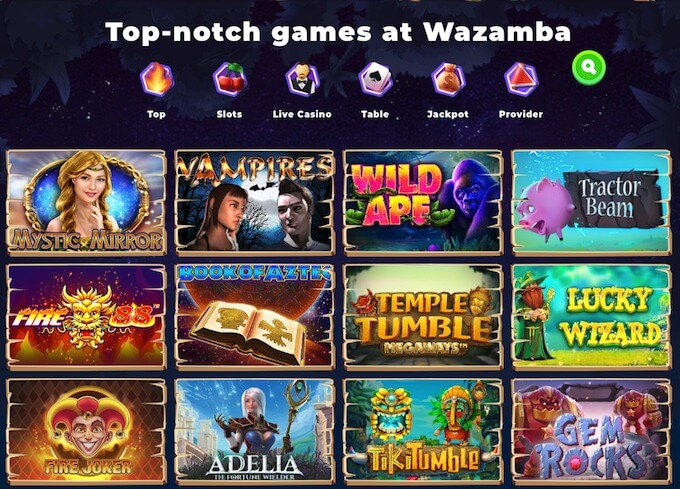
Entering your Wazamba Casino account opens up the games, bonuses, and account tools designed for players in Finland. The sign-in process should be quick, secure, and easy to follow. On this page we cover every step of the account journey, from establishing your profile to handling verification and solving common access problems. Our aim is to give you the knowledge you need so that logging in is a normal part of your routine, allowing you to focus on what matters most: enjoying the entertainment responsibly and without unnecessary worry.
Setting Up Your Wazamba Casino Account: The Registration Walkthrough
Before you can log in, you need an active account. The registration form on the Finnish-language version of the site requests a set of basic personal details that must be filled in accurately. You will supply a valid email address, create a unique username, and choose a strong password. The system also asks for your full name, date of birth, and residential address exactly as they appear on your official identification. Because Wazamba operates under a Curacao licence and caters to Finnish players, the platform automatically configures the currency to euros and adapts the interface to Finnish where available, ensuring you see all amounts and terms in familiar formats from the very first step.
Completing the Sign-Up Form and Adjusting Preferences
After providing the required personal information, you will be required to set a few account preferences. These typically include choosing your preferred communication language, opting in or out of promotional notifications, and acknowledging that you are at least 18 years old, the minimum legal gambling age in Finland. Go through the terms and conditions and the privacy policy carefully before ticking the consent boxes. Once you submit the form, the system delivers an automatic verification email to the address you entered. Selecting the confirmation link inside that email triggers your account and redirects you back to the login page, where you can type your new credentials for the first time.
Common Login Issues and How to Resolve Them Promptly
Sometimes a login attempt fails even when you are confident the credentials are correct. One typical cause is an account lock activated by multiple unsuccessful login attempts. This is a security measure that temporarily blocks access to prevent brute-force attacks. If you come across a lockout message, wait at least 15 to 30 minutes before attempting again, or use the password reset function to recover access immediately. Another common culprit is outdated cached data in your browser. Deleting your browser’s cache and cookies, then restarting the browser, often fixes unexplained errors on the login page. Also check that your device’s date and time settings are correct, as a significant clock skew can interfere with secure connections.
Browser Suitability and Connectivity Checks
The Wazamba sign-in page performs best on up-to-date versions of major browsers such as Chrome, Firefox, Safari, and Edge. If you are using an older browser or one with aggressive script-blocking extensions, the login form may not work as expected. Briefly disabling ad blockers or privacy extensions that alter page scripts can help identify the issue. Also, a stable internet connection is crucial; switching from a mobile data connection to a reliable Wi-Fi network sometimes fixes intermittent failures. If problems persist, try logging in from a different device or network to ascertain whether the issue is local to your setup, and contact support with the exact error message you see.
Verifying Your Personal Details: The KYC System Detailed
As a authorised operator, Wazamba Casino must adhere to anti-money laundering regulations and know-your-customer obligations. This implies that after enrolment, and surely before your first cash-out, you will be requested to authenticate your identity. The process is intended to secure both you and the website. Preparing the necessary files in advance renders verification much quicker. Generally, the compliance team asks for a legible, colour version of a government-issued photo identification, such as a passport or a Finnish driver’s licence, and a recent proof of address paper, like a utility bill or bank statement generated within the last three months.
How to Submit Your Papers and What Awaits You
Uploading the documents occurs inside your account area, under a dedicated verification or documents menu. The interface handles common image and PDF types, and verify that all four corners of each file are displayed and that no data is obscured. Once submitted, the assessment is usually finished within 24 to 48 working hours, though during busy phases it may need slightly more time. You will obtain an email notification once your account has been verified. If any document is refused, often because of an expired ID or an address inconsistency, the message will detail the reason clearly so you can resubmit the correct file without guesswork.
Regaining Access: Misplaced Password and Username Options
It is frequent to misremember login details, and Wazamba offers a straightforward recovery path. On the sign-in page, you will locate a “Forgot Password?” link just below the password field. Clicking it displays a short form where you input the email address connected with your account. The system then forwards a password reset link to that address. The link is time-sensitive and normally expires within a few hours, so utilize it promptly. After clicking the link, you are taken to a secure page where you can establish a new password. Choose something strong and unlike from your previous one, then confirm the change.
Steps to Take If You Cannot Remember Your Username or Email
If you have lost track of which email address you used to register, check for the initial welcome message from seuraa linkkiä in your inbox archives. The casino’s registration confirmation email includes your username and the email address on file. If you cannot locate that message, the next step is to get in touch with customer support via live chat or email. The support team will request you to give some identifying information, such as your full name, date of birth, and possibly the last four digits of a registered payment method, to confirm your identity before they can reveal the email address linked to your account. This extra step secures your account from unauthorised recovery attempts.
Navigating the Sign-In Page: A Step-by-Step Guide
The sign-in page for Finnish users offers you a streamlined, uncluttered interface with properly labeled fields for your email or username and your password. Above the form, you will typically see the Wazamba logo and a direct link to the registration page if you do not yet have an account. Bookmark the official login URL to avoid phishing sites that imitate the casino’s design. Once you enter your credentials, press the login button. If the details are correct, the system redirects you to the main lobby within seconds. Should you mistype your password, an inline error message appears without clearing the email field, so you simply have to re-enter the password.
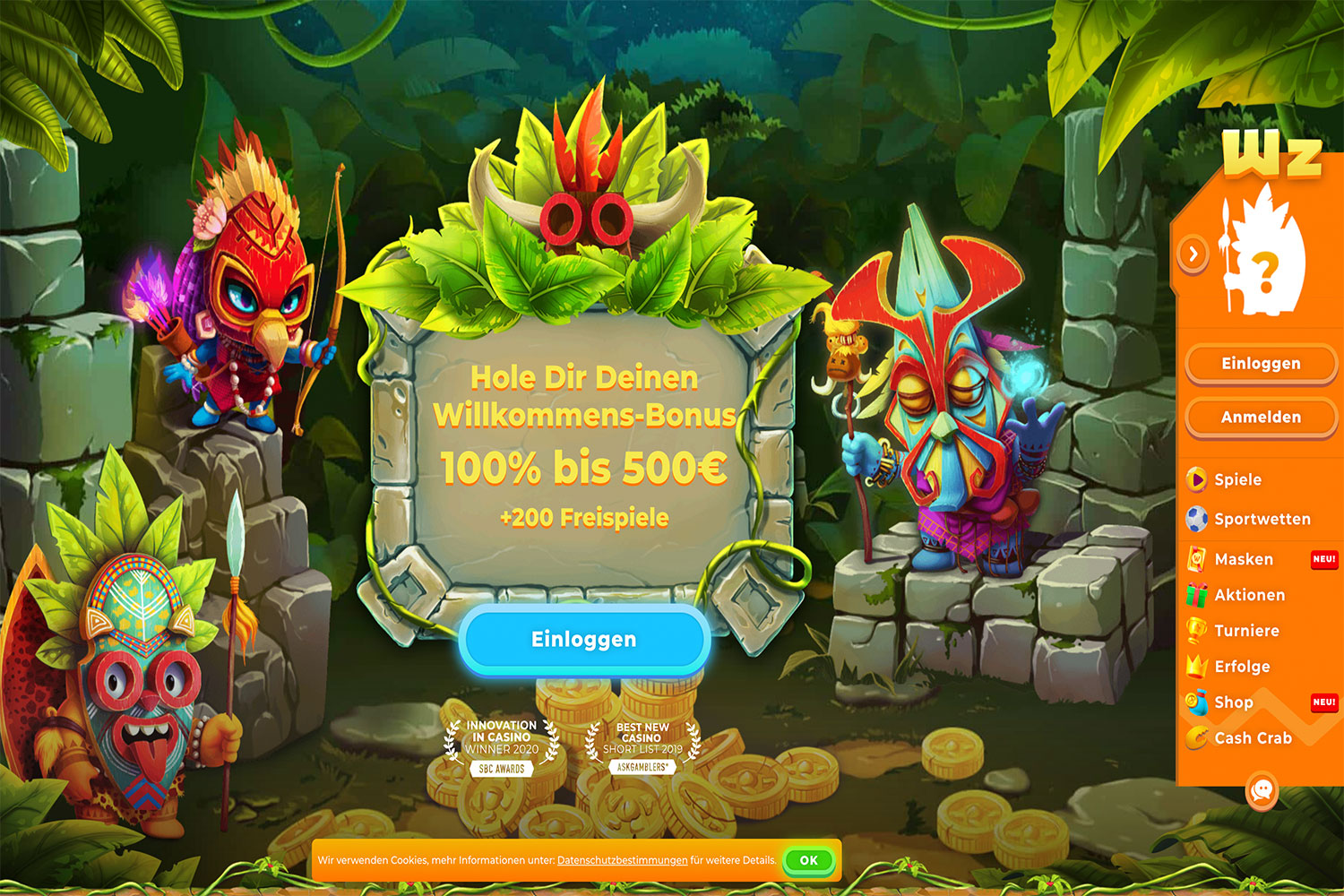
Logging In from Mobile Browsers and the App
The mobile experience mirrors the desktop version in functionality and security. You can reach Wazamba through a mobile browser or a dedicated application, and the login fields are adjusted for touch input. The responsive design makes sure that the keyboard does not obscure the password field, and the “show password” toggle enables you to verify what you have typed before submitting. On mobile, biometric authentication such as fingerprint or face recognition may be available if your device supports it and you have turned on the feature in your account settings, giving an even faster and more secure way to sign in without typing a password each time.
Securing Your Account: Login Credentials and Two-Factor Authentication
Your email address and password constitute the first line of security for your Wazamba account. Select a password that is at least twelve characters long and mixes uppercase and lowercase letters, numbers, and symbols. Steer clear of using easily guessed information such as your name, date of birth, or simple sequences. The platform saves passwords using industry-standard hashing, so even Wazamba staff cannot see your plain-text credentials. Beyond a strong password, the casino may provide two-factor authentication as an optional security layer. If you notice this feature in your account settings, enabling it incorporates a time-based one-time code generated by an authenticator app on your mobile device.
Handling Your Login Details on Shared and Personal Devices
When you access your account from a private computer or phone, you can select the “Remember Me” option to stay logged in for a set period. Refrain from using this feature on shared or public devices, as it could enable others to access your account. Always log out manually after each session on a device you do not own exclusively. It’s also advisable to update your password periodically and never reuse the same password across multiple online services. katso tiedot If you suspect any unauthorised access, change your password immediately from the account settings and contact customer support so they can review recent login activity and protect your profile.
Following Your Sign In: Account Administration and Responsible Gaming
After you have properly logged on, the account dashboard serves as your primary area for overseeing every aspect of your Wazamba experience. From this page you can add money, explore the game library, claim available promotions, and track your transaction history. Review the responsible gambling tools integrated into the platform. These usually include the ability to set daily, per week, or per month deposit limits, loss limits, and session time reminders. In Finland, which has strict player protection rules, having these controls easily accessible helps you preserve a healthy balance between enjoyment and daily life.
Updating Your Profile Up to Date
Verify your personal details regularly to ensure they are current. An expired address or outdated identification document can slow down future withdrawals or verification re-checks. The profile section enables you to modify your residential address, phone number, and communication preferences without having to contact support. If you update your email address, you will usually need to verify the new one through a verification link. Maintaining your contact information up-to-date also ensures that you get important security notices, such as password change alerts or login attempts from new devices, providing you an further layer of control over your account’s safety.
